- Published on
Power Pages & React startup #1
- Authors

- Name
- Calum Harrison
With the recent announcement of SPA support for Power Pages I wanted to see how it works with React JS as I reckon this will be the new wave of development for the product.
So I will be documenting my learning and sharing key tips along the way :)
The code will be available in GitHub once the series ends.
This series assumes you understand HTML/CSS and JS and of course Power Pages.
Startup
In the VS Code terminal CD to your folder where your code will be.
THe create react app command is retired so it's recommended to use a framework instead.
I’ve chosen to use Vite as its seem to be the simplest but there are other frameworks React recommended (Next js)
FYI I’ve added Typescript for the project as you can see in the command line for JS just replace it with “react-js“
npm create vite@latest power-pages-react-startup-app -- --template react-ts
CD to the new app and then run npm run dev (commands can be seen in the package.json)
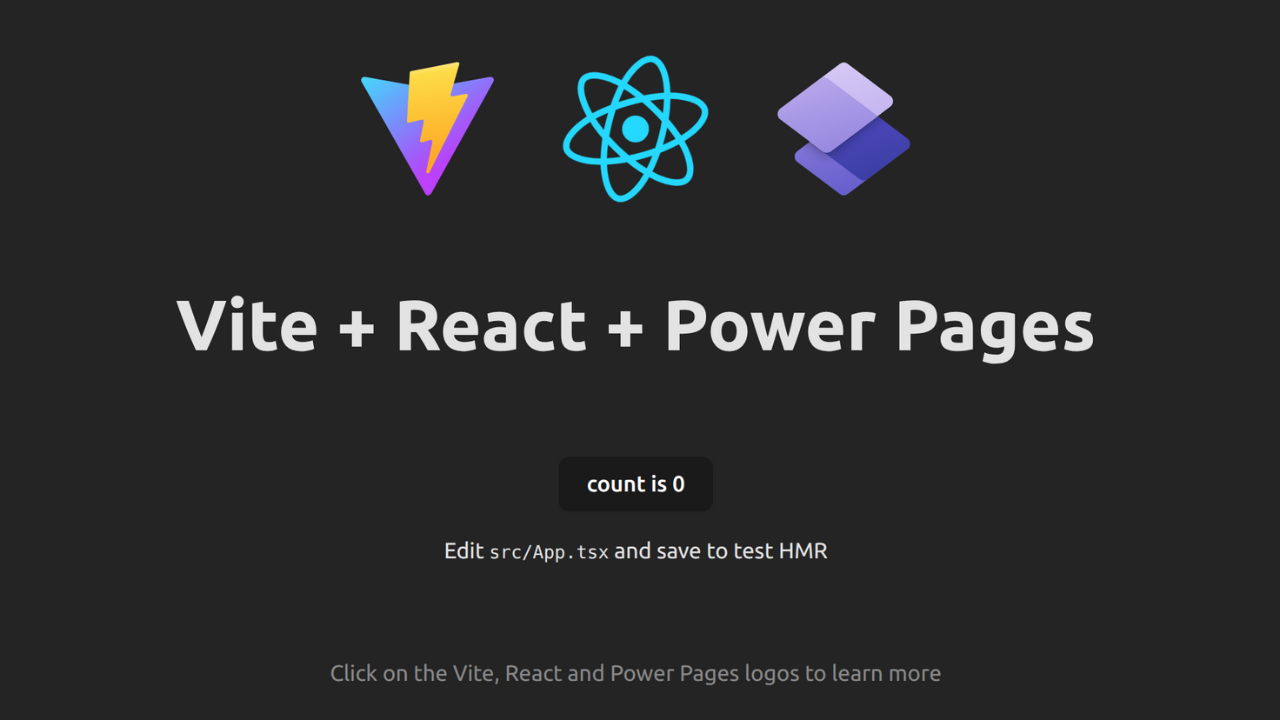
I’ve created a new component called “Home” and copied the code from App.tsx file but you can leave it as it is.
Home component code
import { useState } from 'react'
import reactLogo from '../assets/react.svg'
import viteLogo from '../assets/vite.svg'
import powerpagesLogo from '../assets/power-pages.svg'

function Home() {
  const [count, setCount] = useState(0)

  return (
    <>
      <div>
        <a href="https://vite.dev" target="_blank">
          <img src={viteLogo} className="logo" alt="Vite logo" />
        </a>
        <a href="https://react.dev" target="_blank">
          <img src={reactLogo} className="logo react" alt="React logo" />
        </a>
        <a href="https://make.powerpages.microsoft.com" target="_blank">
          <img src={powerpagesLogo} className="logo power pages" alt="Power Pages logo" />
        </a>
      </div>
      <h1>Vite + React + Power Pages</h1>
      <div className="card">
        <button onClick={() => setCount((count) => count + 1)}>
          count is {count}
        </button>
        <p>
          Edit <code>src/App.tsx</code> and save to test HMR
        </p>
      </div>
      <p className="read-the-docs">
        Click on the Vite, React and Power Pages logos to learn more
      </p>
    </>
  )
}

export default Home
App code
import './App.css'
import Home from './pages/Home'

function App() {

  return (
    <>
   <Home/>
    </>
  )
}

export default App
Deploy code
Using Power Platform extension, connect to your environment with VS code.
Run npm build to get the build for the code to send to Power Pages.
Take away JS extension from system settings in the Power Platform environment system settings.
Run the below code to deploy to Power Pages
pac pages upload-code-site --rootPath . --compiledPath ./dist -
-siteName react-starter-app
What’s next
I will likely cover how to use routing with React JS as will need this to navigate between pages.
As always, thanks for reading and take it easy!
This is a personal, non-work project just for learning and sharing.